
Follow your spark
Work through your reader, purpose, and outline with JagAI. Shape a useful brief before you begin writing.
A guided beginningMEET VOVO BOOK STUDIO
Turn what you know into something people can hold onto. Write, design, and share your book from the same place you run your website.
Your words first. Optional JagAI help when you need it.
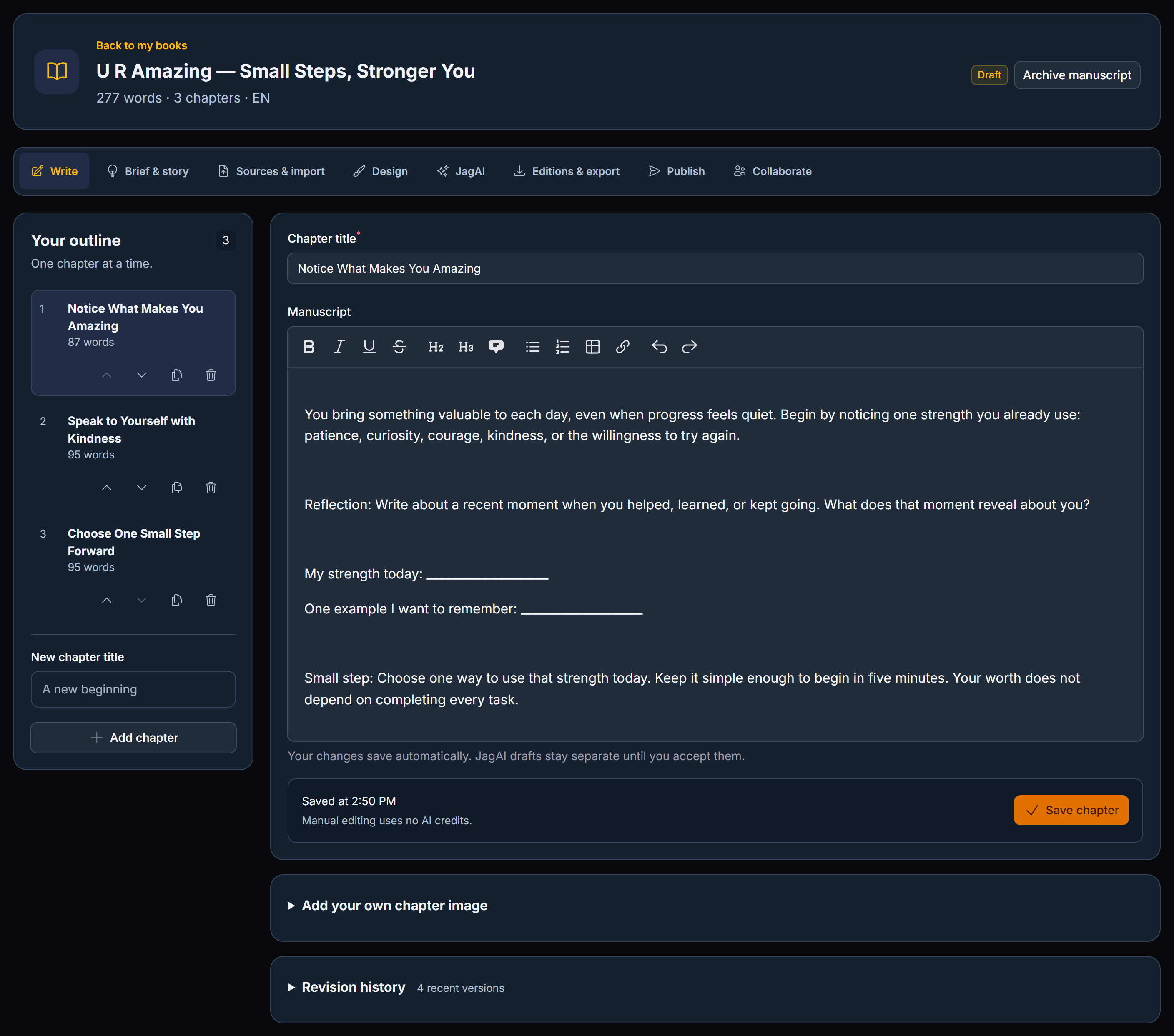
START WHERE YOU ARE
A fresh idea, a half-finished draft, or years of experience. Bring what you have. Book Studio helps you take the next step.
Work through your reader, purpose, and outline with JagAI. Shape a useful brief before you begin writing.
A guided beginningWrite chapter by chapter, organize your outline, and refine your manuscript in a focused editing space.
Write it your wayStart from work you have already written. Keep source material close as you develop the next edition.
Keep your momentum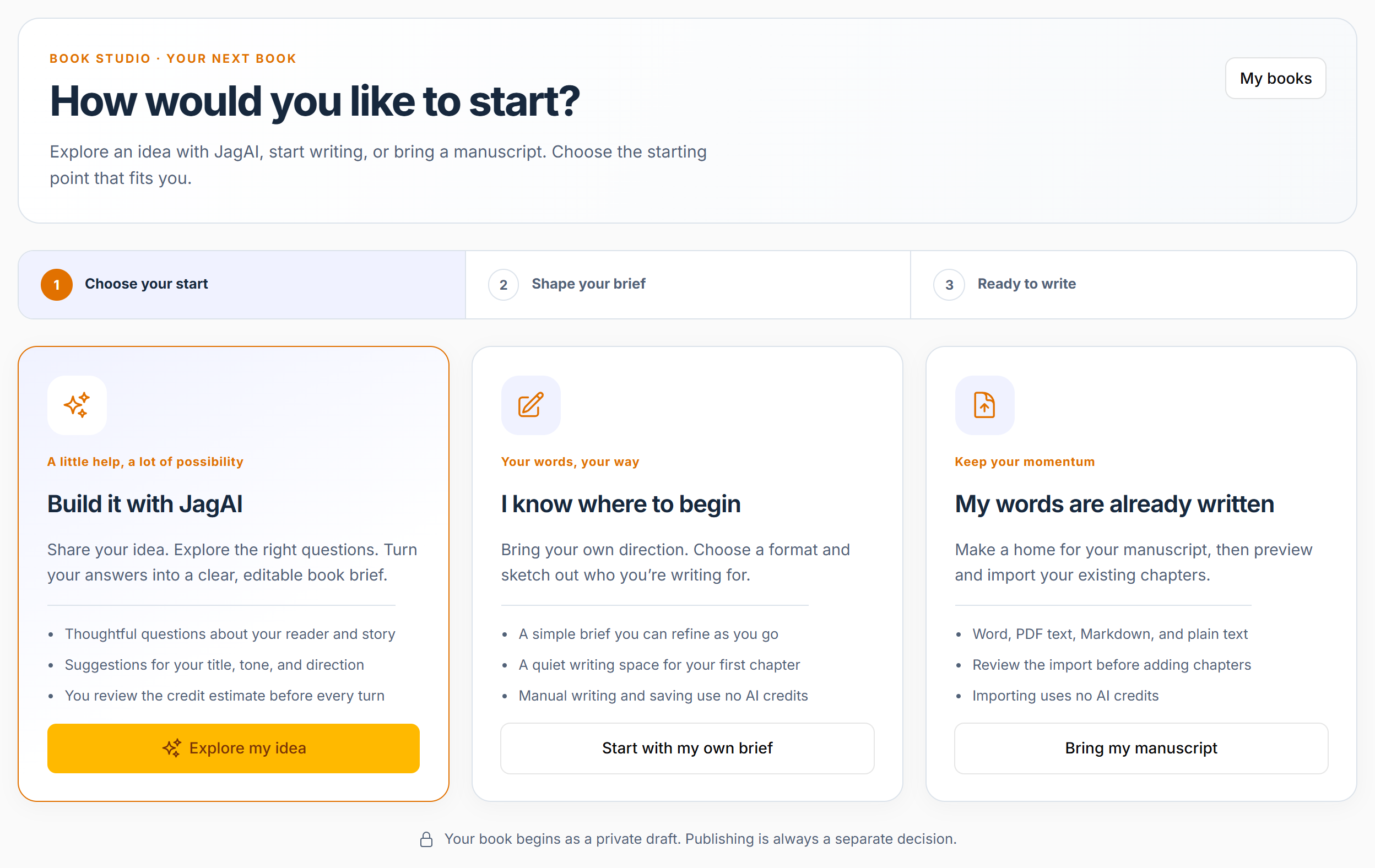
A HELPING HAND, ON YOUR TERMS
Ask JagAI to help shape an outline, draft a chapter, or rework a passage. You review the result and decide what belongs in your book.
JagAI actions use credits. Manual editing does not. Image generation uses the applicable image pricing.
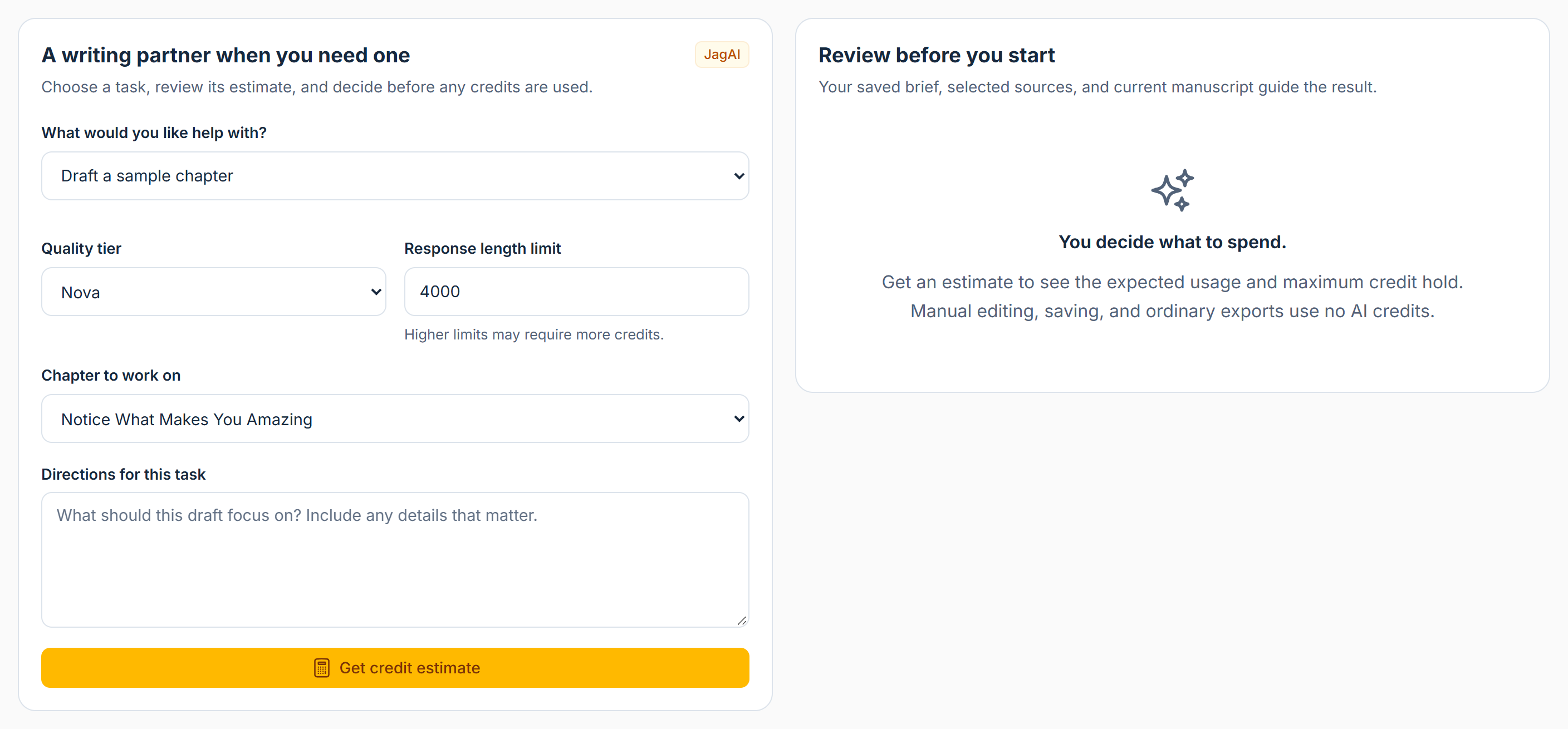
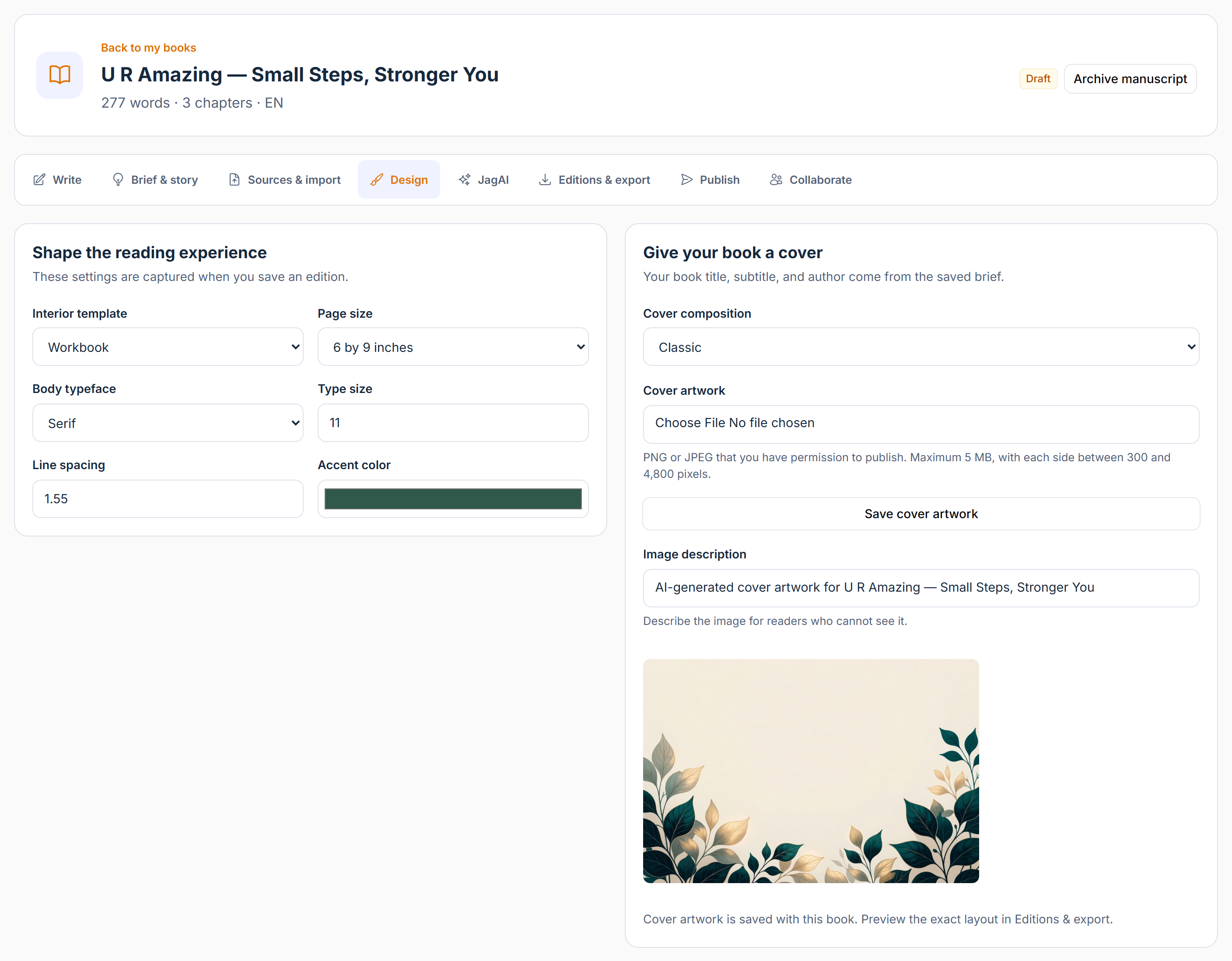
MAKE IT FEEL LIKE YOURS
Bring your cover and manuscript together. Explore book design settings, use your own artwork, or create cover imagery with Jag-E Images through JagAI.
Keep a clear version of your work as you prepare files for sharing, downloading, or publishing.
Create a coaching workbook, a community guide, a course companion, or the story you have been meaning to write.
YOUR BOOK, READY TO TRAVEL
Prepare downloadable editions and keep the right files with the right version of your book.
Choose the format for your next step: a reader download, an editable manuscript, or files for a publisher's submission process.
Explore publishing options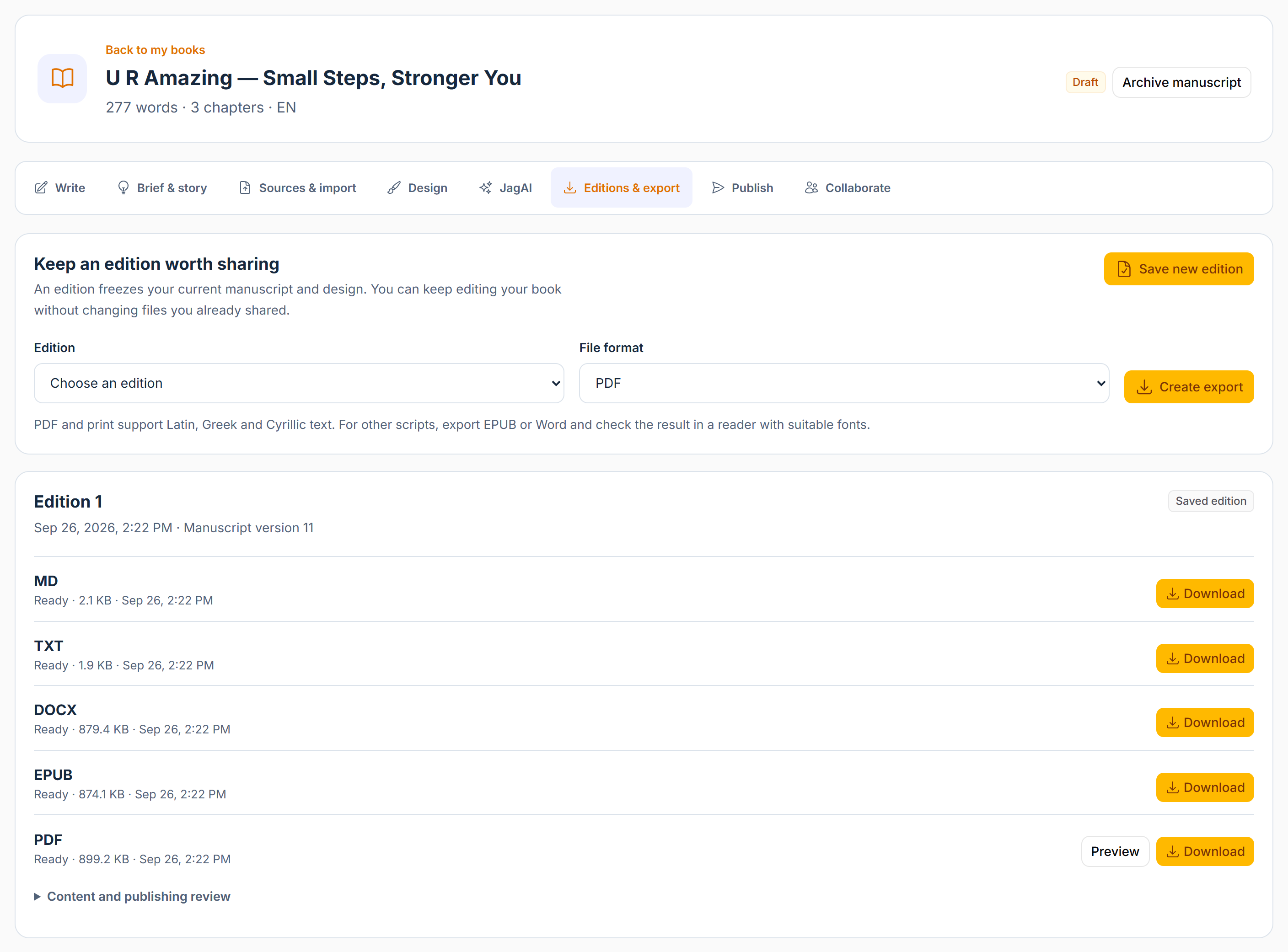
PART OF SOMETHING BIGGER
Book Studio is part of VoVo. Turn a finished manuscript into something your customers, students, and community can discover.
Connect your book to your VoVo catalog and downloadable product experience.
Explore commerceGive your students a guide or workbook that extends what they are learning.
Explore learningPlan book downloads and resources around your membership and community.
Explore membershipsPUBLISH WITH A CLEAR NEXT STEP
Keep your files, connections, and publishing preparation together. Each destination has its own account requirements and review process.
Publish your book through your own VoVo site and prepare downloads for your readers.
Explore your website tools ↗Set up Lulu, Prodigi, or Bookvault for supported print workflows, quotes, orders, and tracking.
Provider accounts, compatible files, shipping, and print charges apply. Lulu's Print API is separate from Lulu Global Distribution.
Build publication packages for Amazon KDP, Kobo, and Barnes & Noble, then follow the official account handoff.
Submission and approval happen with the retailer. Exporting a package does not publish a listing.
Keep setup guidance and supported delivery preparation alongside your editions.
Publisher enrollment and provider approval are required. Google feed access and Apple Transporter configuration must be completed before delivery.
A FEW GOOD QUESTIONS
No. You can write and edit your own manuscript. JagAI is optional, with credit estimates shown before generation.
Yes. Book Studio includes manuscript import and source tools, plus book design and cover settings, so you can build on work you already own.
Amazon KDP, Kobo, and Barnes & Noble use publication packages and official account handoffs. You complete submission with the retailer and track the listing in Book Studio. Retailer approval is separate.
JagAI uses credits, and print providers charge for printing and shipping. Review your current VoVo plan, credit estimate, and provider quote before using paid services.
Open Book Studio in your VoVo admin navigation. Use its section menu to move between your books, connections, print workflows, and digital publishing tools.
THE NEXT PAGE IS YOURS
Your experience. Your imagination. Your book.
Give it a home in VoVo.
We couldn't finish the security check. Your request has not been sent. Try again to continue.
If this keeps happening, reload the page and allow challenges.cloudflare.com in your browser.