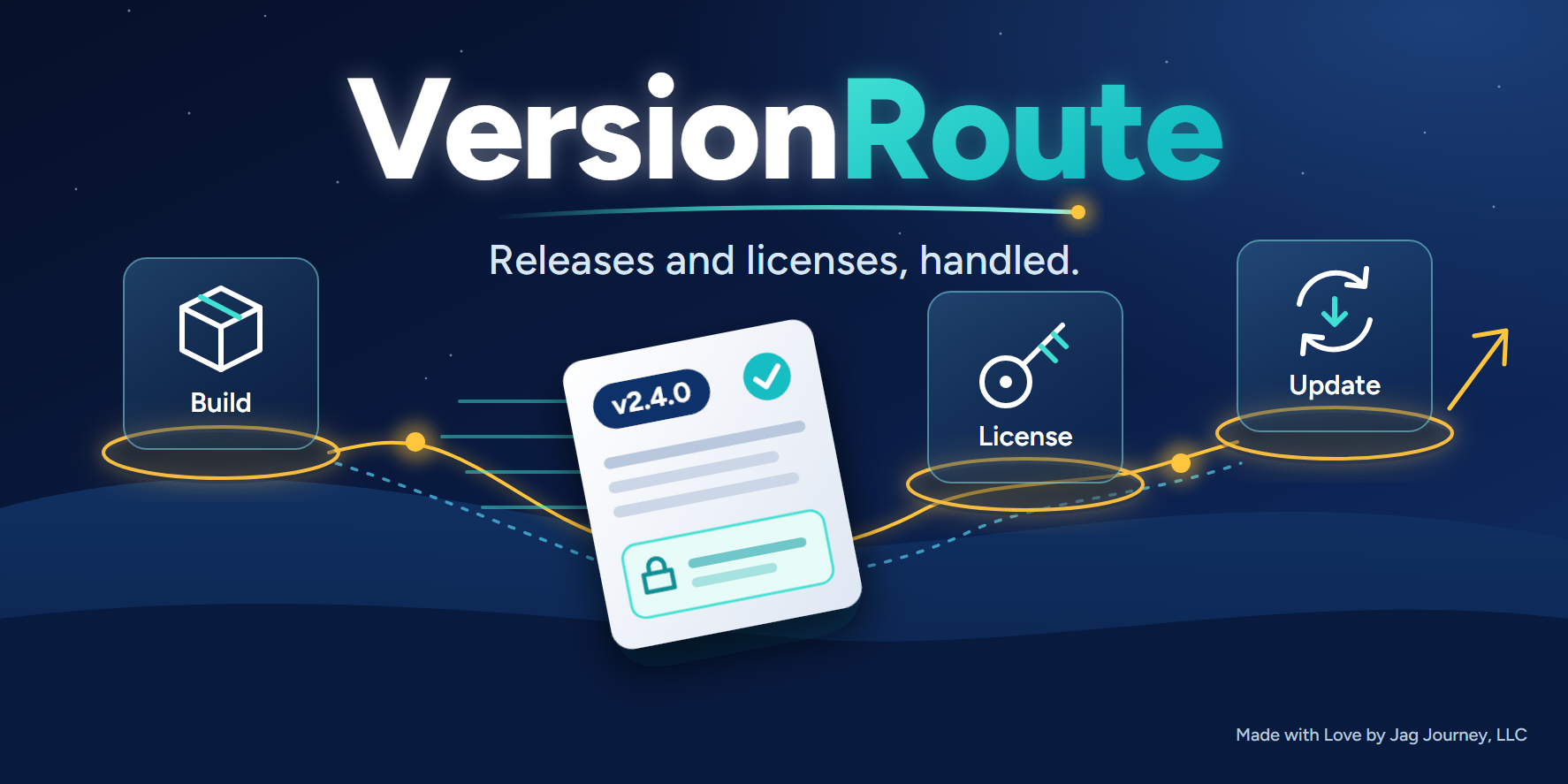
Description
You built the software. Selling it should not mean building a license server too.
Version Route is a module for your VoVo website. It gives your software a home for its releases and a way to sell them. Your CI sends each build to your website privately. Your software asks your website whether a newer version is out. You sell in your own store, every buyer gets a license locked to one computer, and a paid download needs a valid license. When something goes wrong on a buyer's computer, the bug report arrives as a Support ticket with their name and email on it.
It all runs on your website, and every address is on your own domain. There is no license server for you to write, host or keep running.
How it works
Here is the whole path, from your pipeline to a buyer's next update.
- Your pipeline sends the build. You push a version tag. Your CI job uploads the file to your website in pieces, with a checksum, and publishes the release with its version and notes.
- You set up your store. You make a store product for each way you sell, such as 3 months, 12 months and lifetime. You set the prices. You link each product to a plan in Version Route.
- A buyer pays. They pay in your store, on your website. A license key reaches them by email. It shows under My licenses in their account, and that is where they download their first copy.
- The buyer enters the key in your software. Your software sends it to your website, and the license locks to that computer. Your website answers with the license status and a signed lease.
- Your software checks in. It checks when it starts and once a day, in the background. Each check brings a fresh lease.
- A new version comes out. Your software asks your website whether there is a newer version. If there is, it asks for the download with its key. Your website checks the license and the computer, then gives a link that lasts 10 minutes. Your software fetches the file and compares its SHA-256 before installing.
That is the loop. You push a tag, and your software finds the update.
What you get
Releases from your pipeline
- Ready for GitLab CI. The Help guide gives you a complete CI file and upload script. Any CI that can call the API works too.
- Private from the start. A paid build sits on a private disk with no public address. Only files sent through the upload API can be published.
- A release cannot change. Sending the same bytes again does nothing. Different bytes for a published version are refused, so a version number always means the same file.
- Free and paid files in one release. Mark each file as free or paid. Anyone can download a free file. A paid file needs a license.
- A version check anyone can call. It needs no key, so a free copy can check too.
- A test group. Publish to a separate channel when a build is not ready for everyone.
- Withdraw a bad release. One button. It stops being offered and downloaded, and your website offers the version before it. Nothing is deleted.
Licenses that fit how you sell
- One license, one computer. Every license is locked to the computer it was activated on.
- Set months or lifetime. You pick the length for each plan, and you set your own prices.
- Renewals keep the key. Buying again adds the new time to the time left. If the license has already ended, the same key works again from the day of the purchase. A lifetime purchase removes the end date.
- You choose what happens at the end. Set it once per product. With Downloads stop, your software keeps running and the buyer cannot download anything. With Software stops, downloads stop and your software is told to stop. Your software does the stopping, so you decide how it behaves.
- Manage it in your admin. Search licenses, issue one by hand, restore one, and see which computers are in use.
Signed leases, so a fake server cannot say yes
A lease is a signed note from your website saying a license is good until a set time. Your software checks each lease with your public key, which you build into it. Only your website holds the private key. A fake local server cannot produce a lease your software will accept.
Leases also look after honest buyers. A paid-up copy keeps working with no connection, for as many offline days as you set. A lease never runs past the license's end date, so a copy stops on time even when it is offline.
Here is the honest part. If you ship source code or an unprotected app, a determined person can remove your check. The real gate is on your website: nobody downloads a paid file without a valid license, and the license is checked again when the file is fetched.
What your buyers experience
- They buy from you. The store and every address are on your website.
- They need only a license. Your buyers do not need to be verified.
- Their key and first copy are easy to find. The key comes by email and stays under My licenses, next to the download for the current version.
- A new computer does not need a support ticket. A buyer frees the old computer from My licenses or from your software, up to 3 times in any 12 months. You can free a computer for them at any time, and that does not use one of their moves.
- Going offline is fine. A paid-up copy keeps working on its lease, even for a buyer on a plane.
- A broken download can pick up again. The link can be used again during its 10 minutes, so an interrupted download can resume.
- Clear reasons. When something is refused, your website sends a plain message to show the person. If their time has run out, it includes a link to renew.
When a license ends
Every case has a clear rule.
- Time runs out. All downloads stop, including older versions.
- You cancel a license. Open the license, press Cancel license and give a reason. The action is logged. Downloads stop at once, including links already given out. The buyer's copy is told at its next check. A copy that stays offline hears nothing until its lease runs out.
- Full refund. That order's time comes off the license. A license with nothing paid left is cancelled.
- Chargeback. The license is cancelled at once.
- Partial refund. The license stays as it is.
- Test mode payment. No license is issued.
You can restore a license by hand if a case needs it.
Tamper signs never cancel anything by themselves. If a program file does not match your release, or a license keeps being tried on other computers, a flag shows on the license for you to read. A false match must not shut off someone who paid, so the decision stays with you.
Bug reports that arrive as tickets
Your software can send a bug report straight to your website with its license key. Your website checks the license, adds the buyer's name and email from their order, and files a ticket in your Support.
- No VoVo token in your software. Your software never holds one, and it never holds the buyer's details.
- One bug, one ticket. One bug on one license makes one ticket. Repeats add to its count instead of opening new tickets.
- Quiet for the buyer. They get one email for each new bug and none for repeats.
- The full picture. Any tamper flag on the license shows on its bug reports.
- Sensible limits. Each license has a daily cap, and a report stays under 10 MB.
- Your buyers stay in charge. Automatic reports are on by default. You show a notice on first run and give the buyer a setting that turns them off.
Who it is for
Version Route is for developers who sell software that ships as a file, such as a plugin, a desktop app or a tool. If you already have a build pipeline and you would rather spend your time on the product than on license code, this is for you.
What you need
- A verified developer account. This is the same account check as all VoVo developer tools, and it keeps scammers and spammers out. If you are not verified when you go to buy, you are taken through verification first, then brought back to the purchase. You are not charged before that. Verification can take a few days.
- A VoVo website with a store. Your store needs a connected payment account. Sales go to your account, less the platform fee.
- GitLab CI, or any CI that can call the API. It uses an API key from your developer account. Builds can be archives such as zip and tgz, or disk images, up to 500 MB for an archive. They count toward your website's storage.
- A little work in your software. Your software makes plain web calls to your own website to activate, check, download, free a computer and send a report. If you choose Software stops, you also write the stop.
- Your terms and your privacy page. Add your terms to each store product with the AgreeRoute module, so each buyer accepts them before paying. If your software stops when a license ends, say so plainly. Version Route keeps each buyer's email, license, computers, a record of downloads and bug reports, so mention them on your privacy page. Download records are removed after 90 days, and all of this is part of your website's customer export.
Price
$99, paid once, for one website. There is no subscription.
Version Route runs on VoVo, so there is nothing to download or install on a server. It installs itself on the website you buy it for. If the install does not finish, you are told, and Enable for this website in My Purchases tries again.
The full setup steps, the GitLab CI files and every API answer are in FAQ and Self Help on this page. To add Version Route, open Marketplace from your website's admin.
Log in to leave a review.
Log InSimilar Plugins
GiftRoute
Track gifts, stock, needs, and recorded fulfillment.
AgreeRoute
Prepare, publish, and record agreement acceptance for a VoVo website.
VoVo Docs
Write and edit documents together on your website, with live editing and autosave.
VoVo Sheets
Build, calculate and edit spreadsheets together on your website, with live editing and autosave.
Version Route
Sell your software without building a license server. Private builds from your CI, licenses locked to one computer, and bug reports as Support tickets.
For a new website
- Version Route $99.00
Paid once for each website, with no subscription. Choose an option from the admin of the website you want it on.
No refunds on digital items.
To add this product to a VoVo website, open Marketplace from that website's admin.