
Your website, on your phone
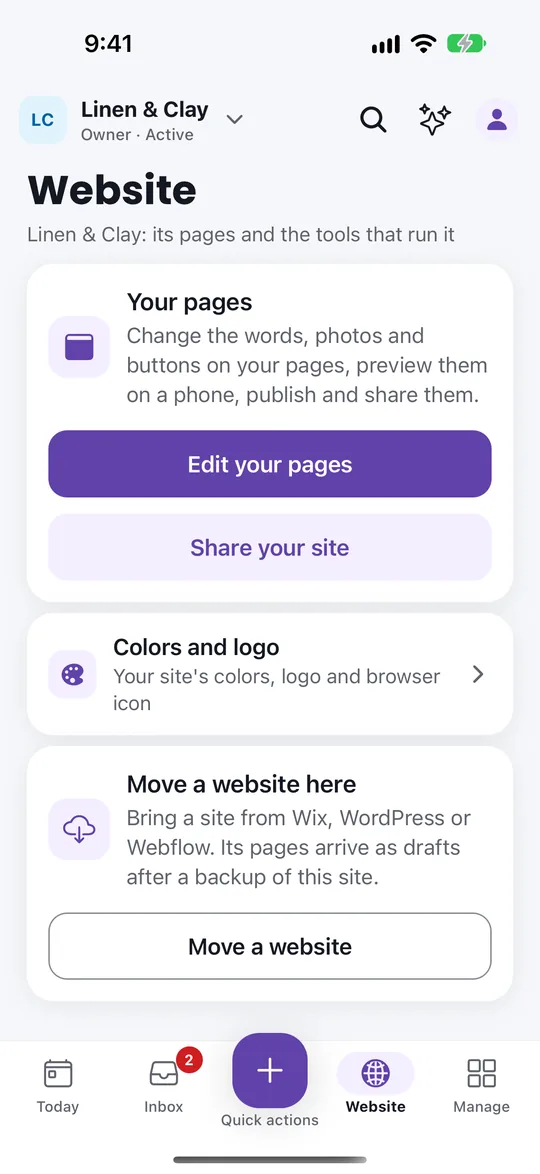
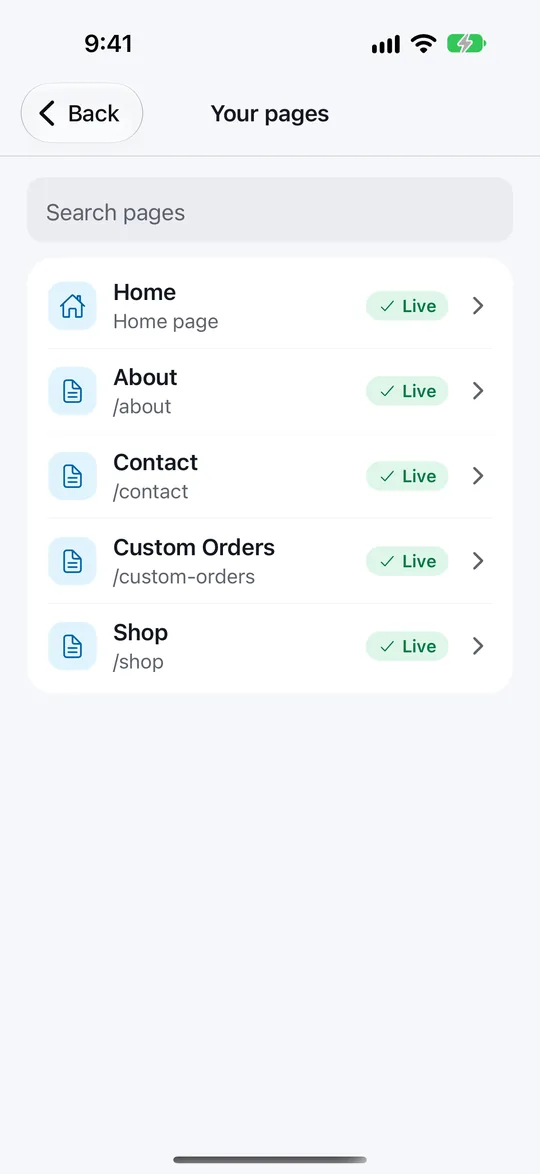
Change the words, photos and buttons on your pages, preview them the way visitors see them, then publish. Set your colors, logo and browser icon with a sketch of how it looks before you save.
VoVo: Website Builder puts your website and your business in your pocket. Edit your pages, share your site and answer every order, booking and message from your phone. Free on the App Store and Google Play, and it works with the VoVo account you already have.
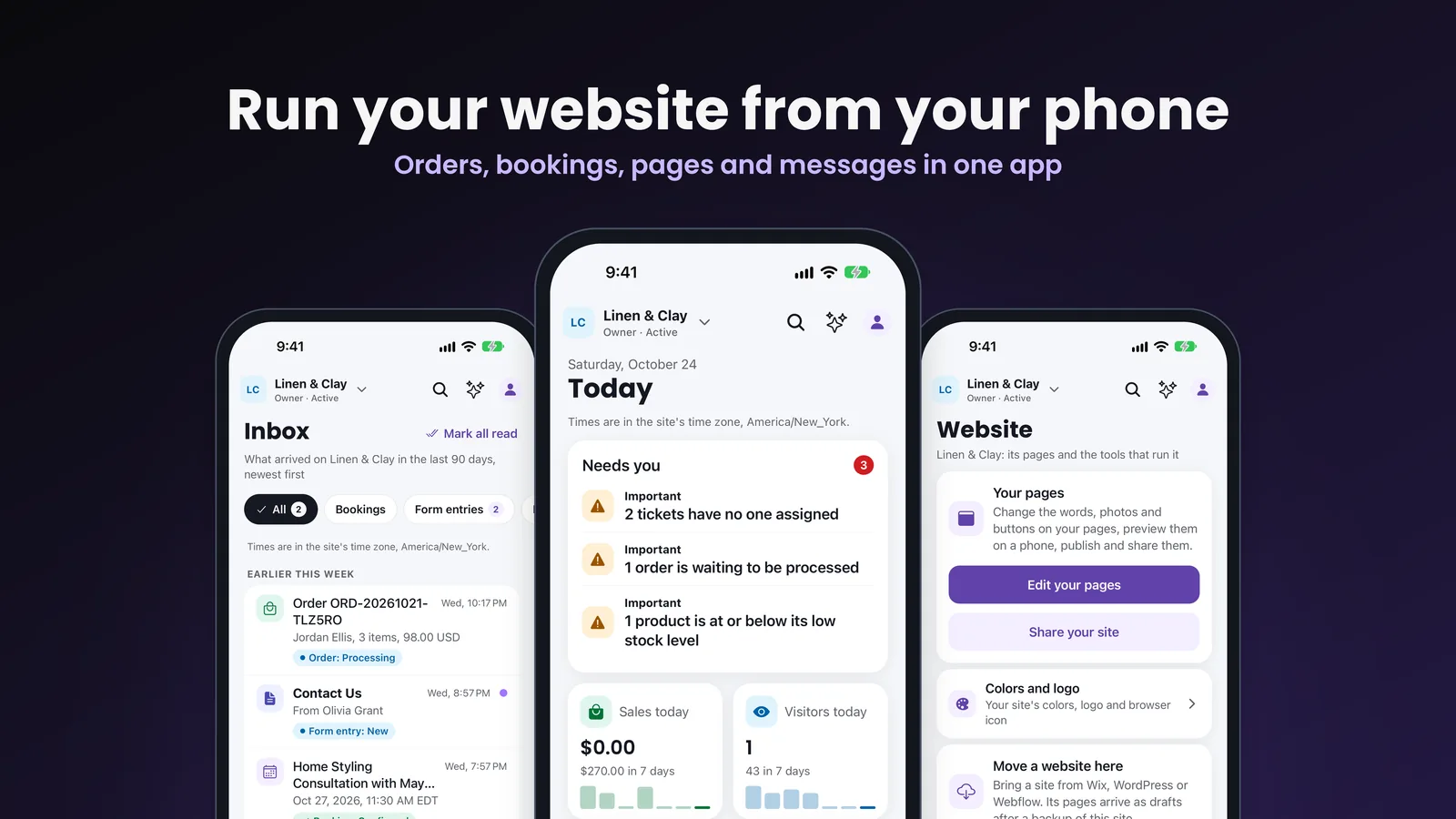
Everything you can do from your phone, on the same site and the same records as your VoVo admin on the web.

Run your website from your phone · Free · Business
Tap your store to install VoVo on this phone.
Change the words, photos and buttons on your pages, preview them the way visitors see them, then publish. Set your colors, logo and browser icon with a sketch of how it looks before you save.
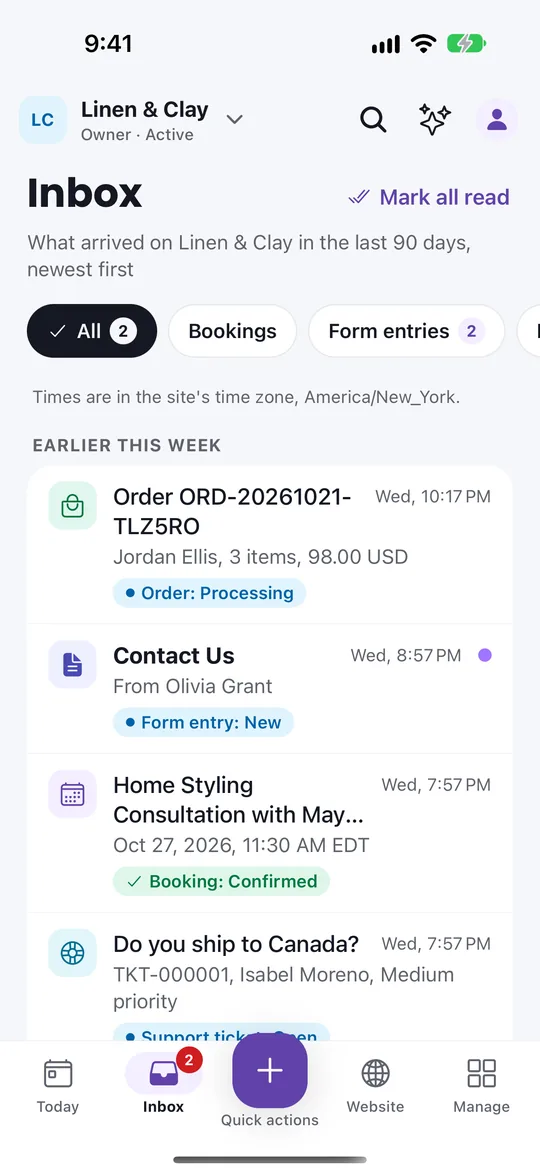
Orders, bookings, form entries, support tickets, member requests and product reviews arrive in one list, with a notification when something new comes in.
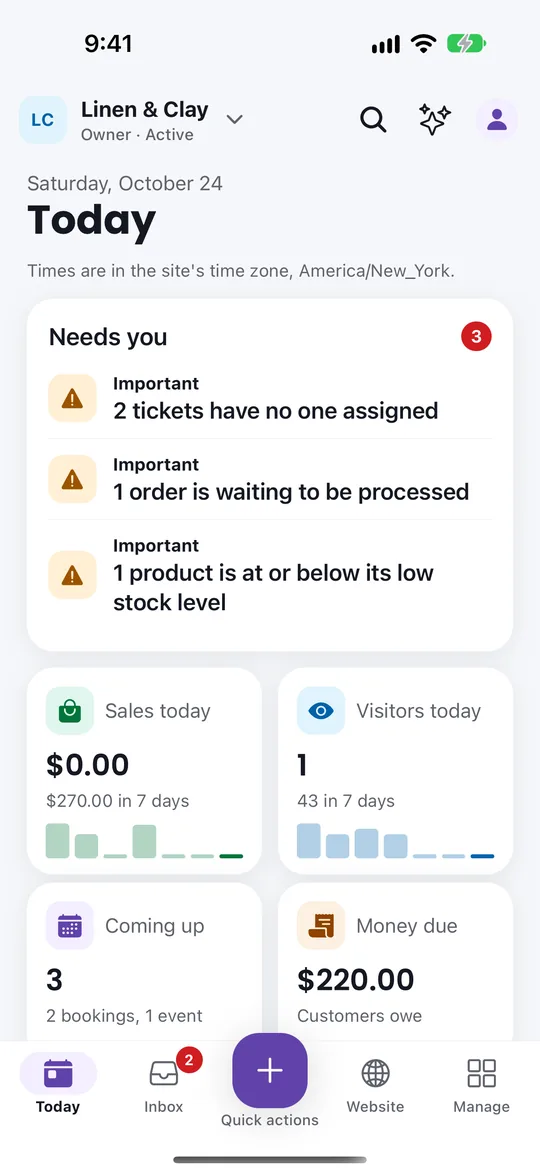
Sales, visitors, upcoming bookings and what needs your attention, with the last seven days at a glance.
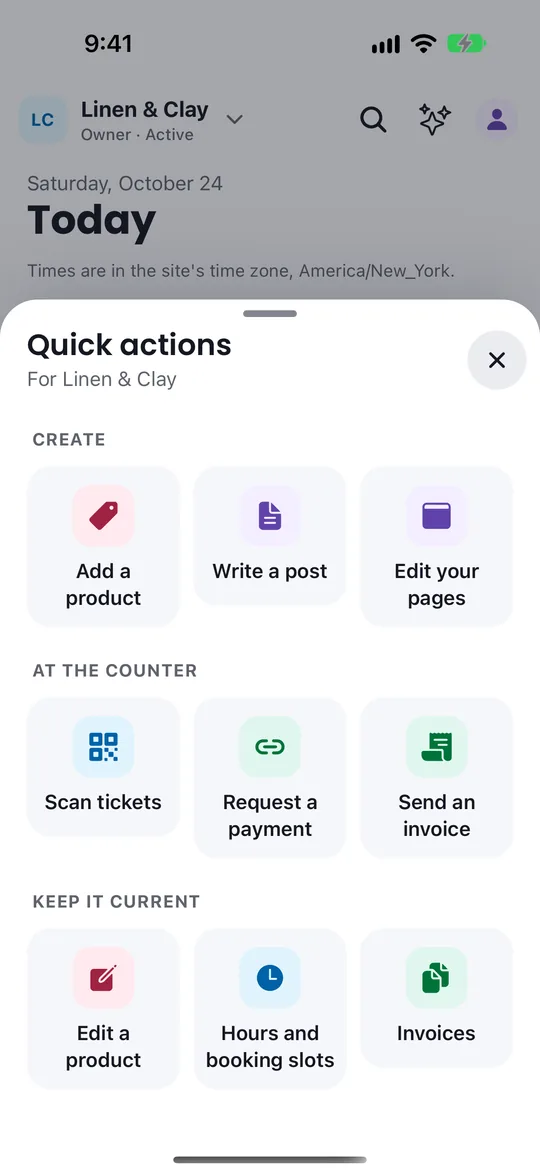
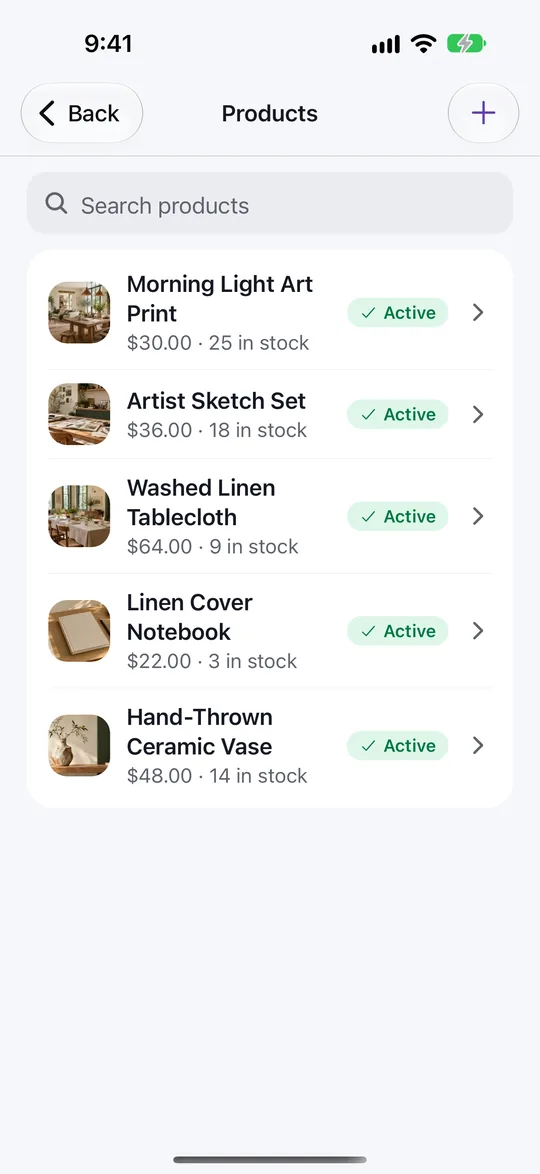
Add or edit a product with your camera, write a post, scan event tickets at the door, send an invoice or a payment request, and update your opening hours and booking slots.
Manage opens your site's admin, from products and stock to members, events and settings, with search, pins and recent screens.
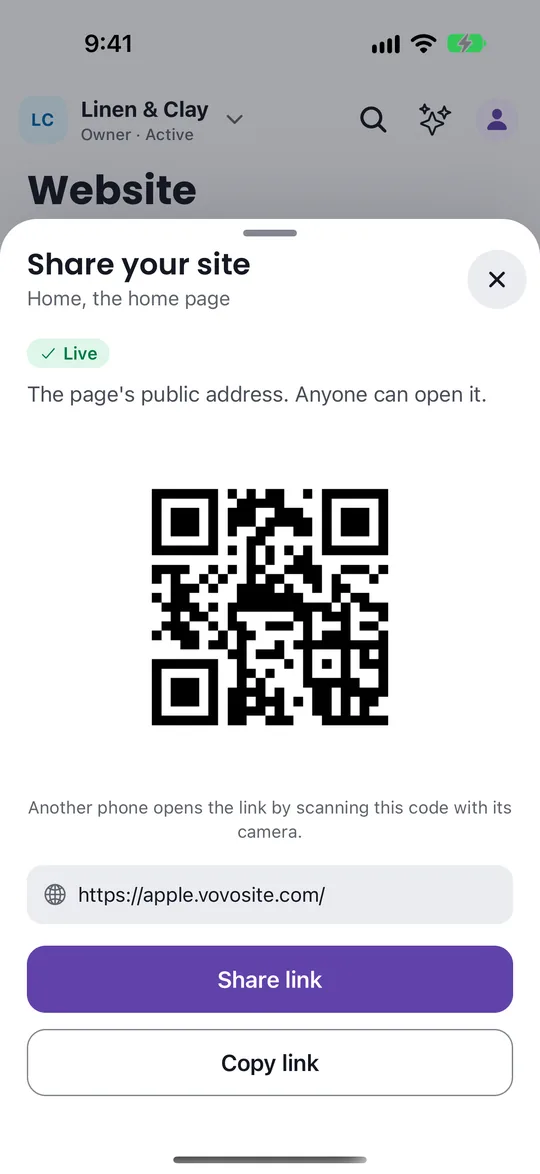
Send your site as a link, or show a QR code another phone can scan.
Bring a site from Wix, WordPress or Webflow. Its pages arrive as drafts after a backup. See your domains and connect one you already own.
Switch between every site you own, or every client site you manage.
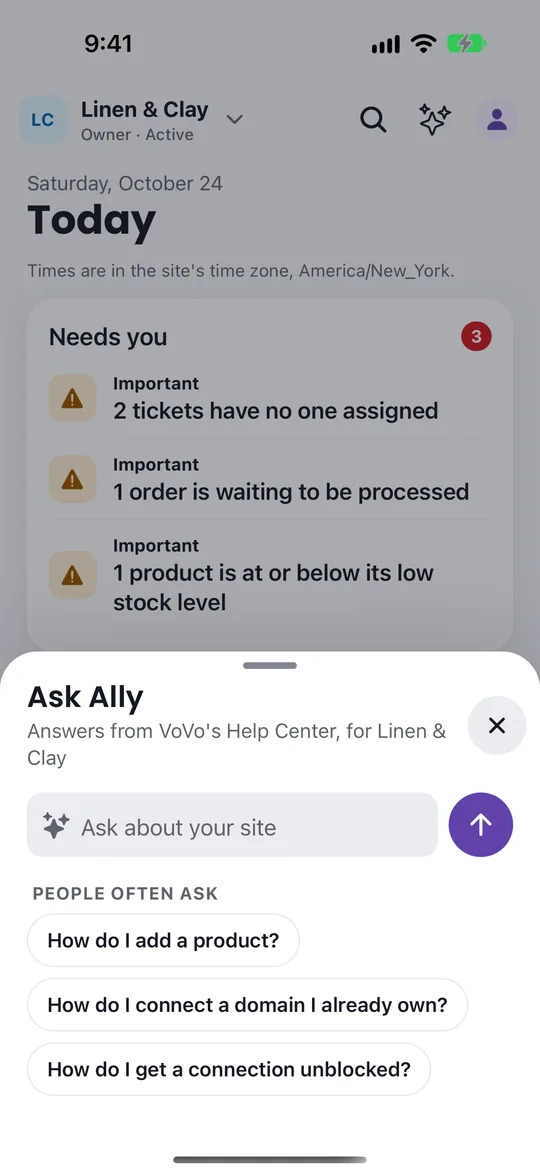
Ask Ally answers how-to questions from the VoVo Help Center, right inside the app.
VoVo follows your phone, or pick Light or Dark under You.
If a VoVo website's firewall blocks your connection, its block page shows a code. Scan it with the VoVo app, or open its link on your phone, and choose Get unblocked. The app checks that you run that website before it lifts anything, so you are back in without waiting on a support reply.
A website's firewall can block a connection that looks risky, even when it is yours. The block page shows a code for the VoVo app. No app yet? Install it with the buttons above, sign in, then scan the code again.
What the app does, what it needs and where to get help.
Yes. VoVo: Website Builder is free to download on the App Store and Google Play. It works with your VoVo account, and the app sells nothing: your plan and any usage charges are the same as on the web.
The VoVo app runs on iPhone and iPad from the App Store, and on Android phones and tablets from Google Play.
Yes. Sign in with the same email and password you use on getvovo.com. Two-factor sign-in works in the app too. New to VoVo? Create your account from Get Started on getvovo.com.
Yes. The app works on the same site and the same records as your VoVo admin on the web. A page you publish in the app is the page visitors see, and an order you answer in the app is answered everywhere.
If a VoVo firewall blocks your connection, scan the code on the block page with the VoVo app, or open its link on your phone, and choose Get unblocked. The app checks that you run that website before it lifts the block.
The app edits the words, photos and buttons on your pages, sets your colors and logo, and publishes. The full drag-and-drop Visual Builder runs in your VoVo admin on a computer.
Yes. Start from Delete account at the bottom of You in the app. The account deletion page at getvovo.com/account-deletion explains the same steps on the web.
Ask Ally in the app answers how-to questions from the VoVo Help Center. For anything else, open a support ticket at getvovo.com/support/tickets/create.
More VoVo apps are on the way. Each one will be listed here with its App Store and Google Play links as soon as both stores approve it.
Create your website and business on VoVo, then run it from your phone with the app. Paid plans bill from signup, and you can cancel anytime.
Still juggling WordPress plugins or paying for 10+ SaaS tools?
30 integrated modules, and you can start today.
Billed from signup. Cancel anytime.
We couldn't finish the security check. Your request has not been sent. Try again to continue.
If this keeps happening, reload the page and allow challenges.cloudflare.com in your browser.