
VoVo vs Wix and Squarespace: Drag, Drop and Run Your Business
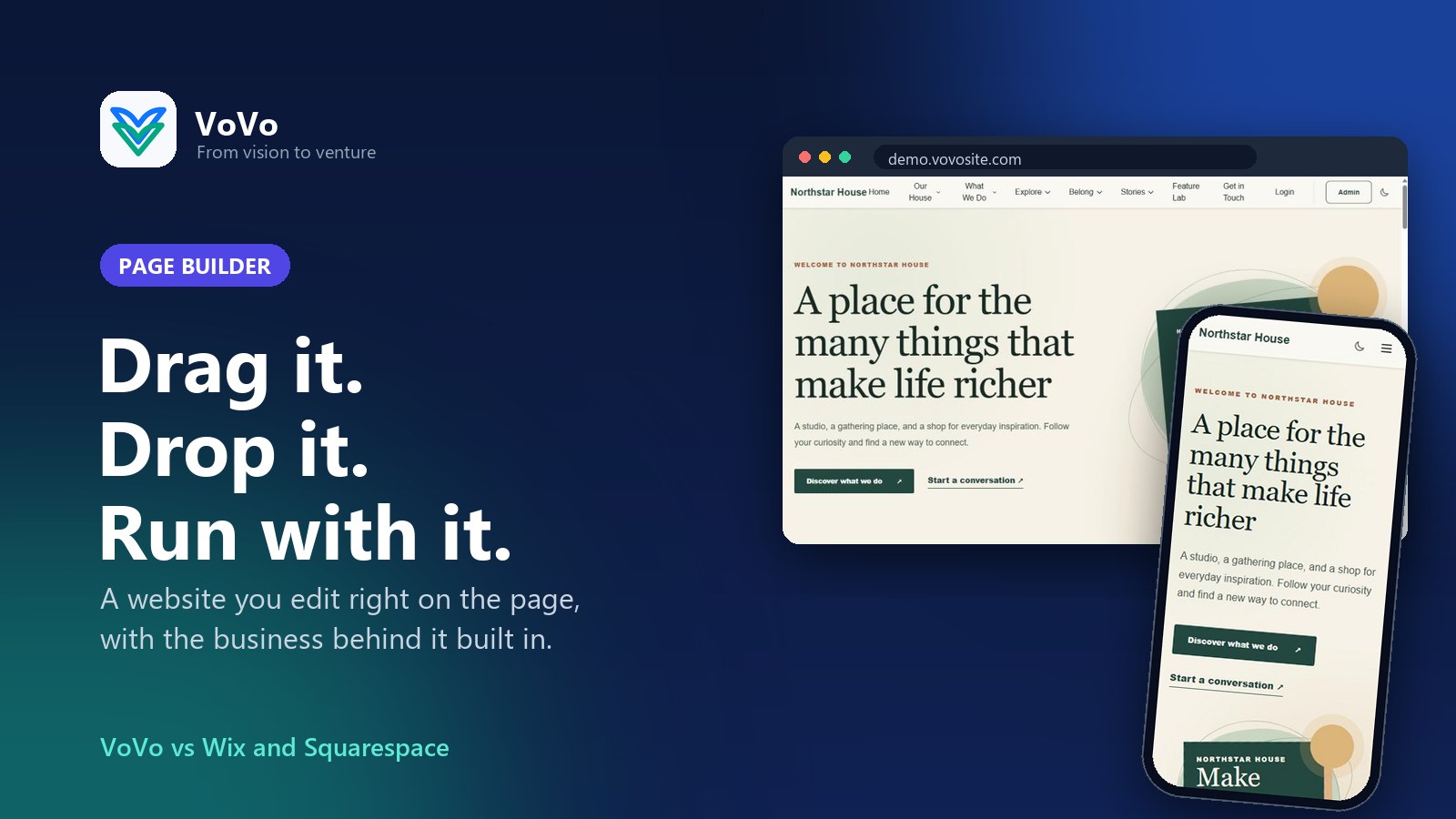
Drag it. Drop it. Run your business from it.
Why the VoVo Visual Page Builder gives you more than a pretty website, compared with Wix and Squarespace.
Every website starts the same way. You pick a template, swap the stock photo of people laughing at a salad for a photo of your actual business, and drag a button around until it looks just right. Wix and Squarespace are good at that part, and plenty of people build lovely sites with them.
Then the website has to start doing things. Selling memberships. Taking event tickets. Sending the newsletter. Answering the "do you have parking?" question for the ninth time this week. That is when a website builder turns into a website builder plus a pile of apps, extras and logins. VoVo starts from the other end. The Visual Page Builder lives in the same account as your members, shop, courses, events, email and help desk, so the pretty part and the busy part already know each other.
Click it, type it, done #
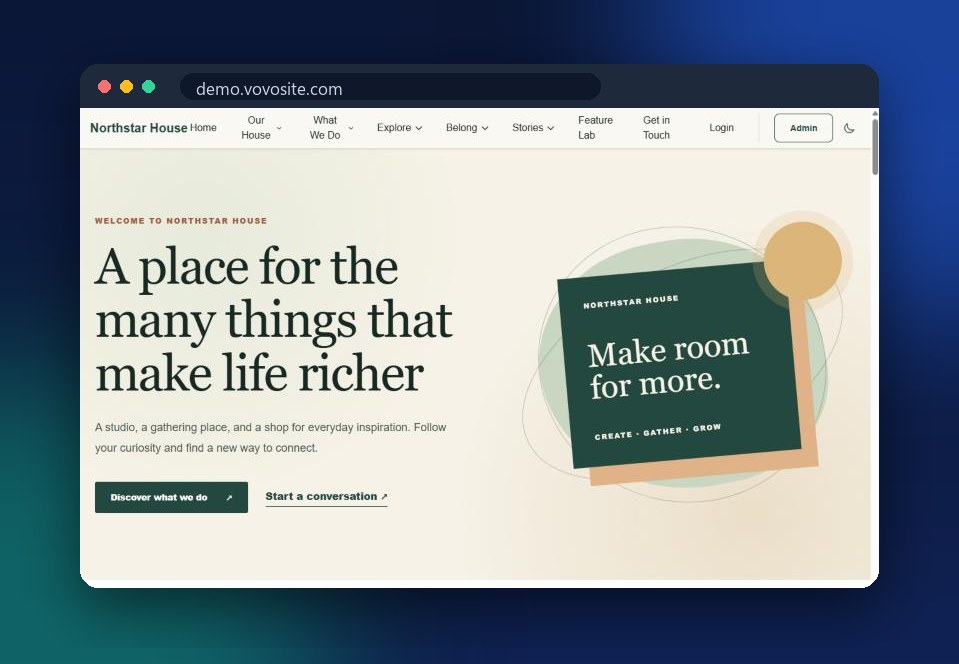
The Visual Builder shows your real page, in your real theme, while you edit it. Click a heading and type. Drag a section to a new spot. Pull a new piece in from the side panel. No settings maze, no guessing what the page will look like later.
Edit text right on the page, with bold, links, headings and lists in a toolbar that shows up where you are typing.
Drag and drop text, images, buttons, sections and containers wherever you want them.
A section library with ready made heroes, features, galleries, pricing tables, testimonials, team sections, FAQs and contact sections, plus templates you save yourself.
Undo and redo, for the moment you were sure the headline would look better in neon green.
Private drafts. Changes save privately until you press Publish, so visitors never watch you rearrange the furniture.
HTML when you want it, for the folks who like to peek under the hood.
Looks good on every phone, not just yours #
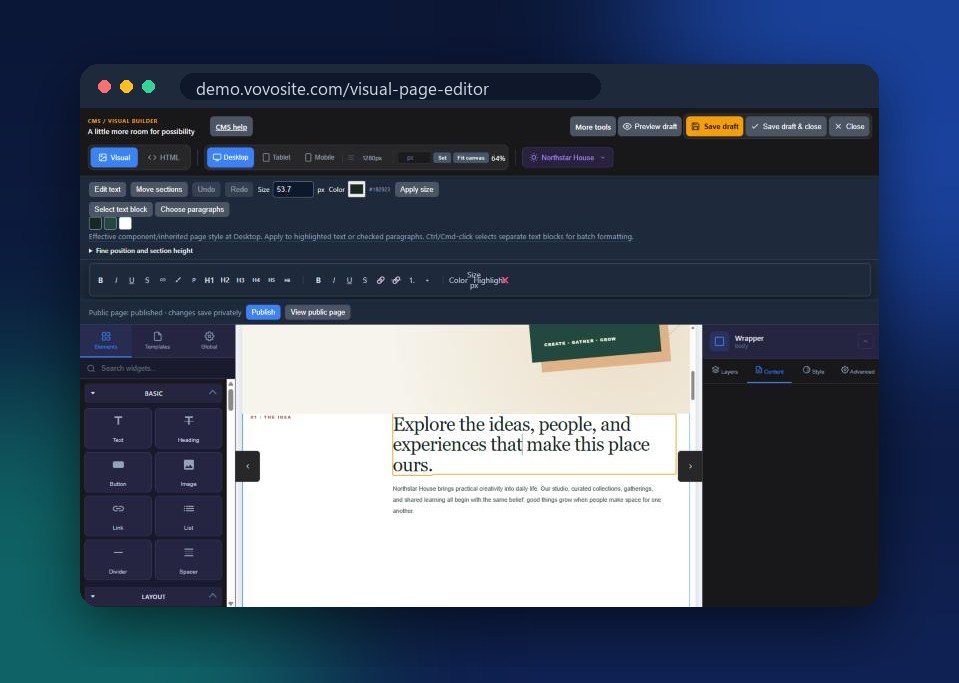
Switch between desktop, tablet and mobile with one click and see exactly how the page lands on each. Fix the phone layout while you are already in the editor, instead of hearing from your cousin that the menu covers half the screen.
Wix and Squarespace build the storefront. VoVo builds the whole building. #
Wix is quick and friendly for getting a site online, and it adds things like events and bookings as apps from its App Market. Each one is another app to add, set up and keep an eye on.
Squarespace makes polished sites and simple stores, with Member Sites, Email Campaigns and Acuity Scheduling as their own products to turn on and connect.
VoVo puts the page builder, memberships, courses, events, a shop, email and a help desk in one account with one people list. A member who buys a ticket is the same person in your email list and your help desk. No copying spreadsheets between tools, and no "which login was that again?"
Moving in from Wix?
Bring your pages and images with you. The VoVo Wix importer moves them into your new site, so you are not rebuilding from a blank page. WordPress and Webflow sites can come along too.
So, VoVo, Wix or Squarespace? #
If all you need is a good looking website, all three will get you there, and we will not pretend otherwise. If your website is the front door to members, classes, events, a shop and a busy inbox, VoVo gives you the front door and everything behind it in one place.
Start free at getvovo.com/signup, see the Visual Page Builder at getvovo.com/features/cms, and compare for yourself at getvovo.com/compare/wix and getvovo.com/compare/squarespace. The salad photo is optional.
Jag Journey, LLC
Jag Journey, LLC builds VoVo, the all-in-one website and business platform, and the VoVo apps for iPhone, iPad and Android.
Related Posts

VoVo vs Mailchimp: Say Hello Without the Monkey Business
Mailchimp is a household name in email. VoVo sends your newsletters and campaigns from the same account as your members, shop and events, so your list is never out of date.
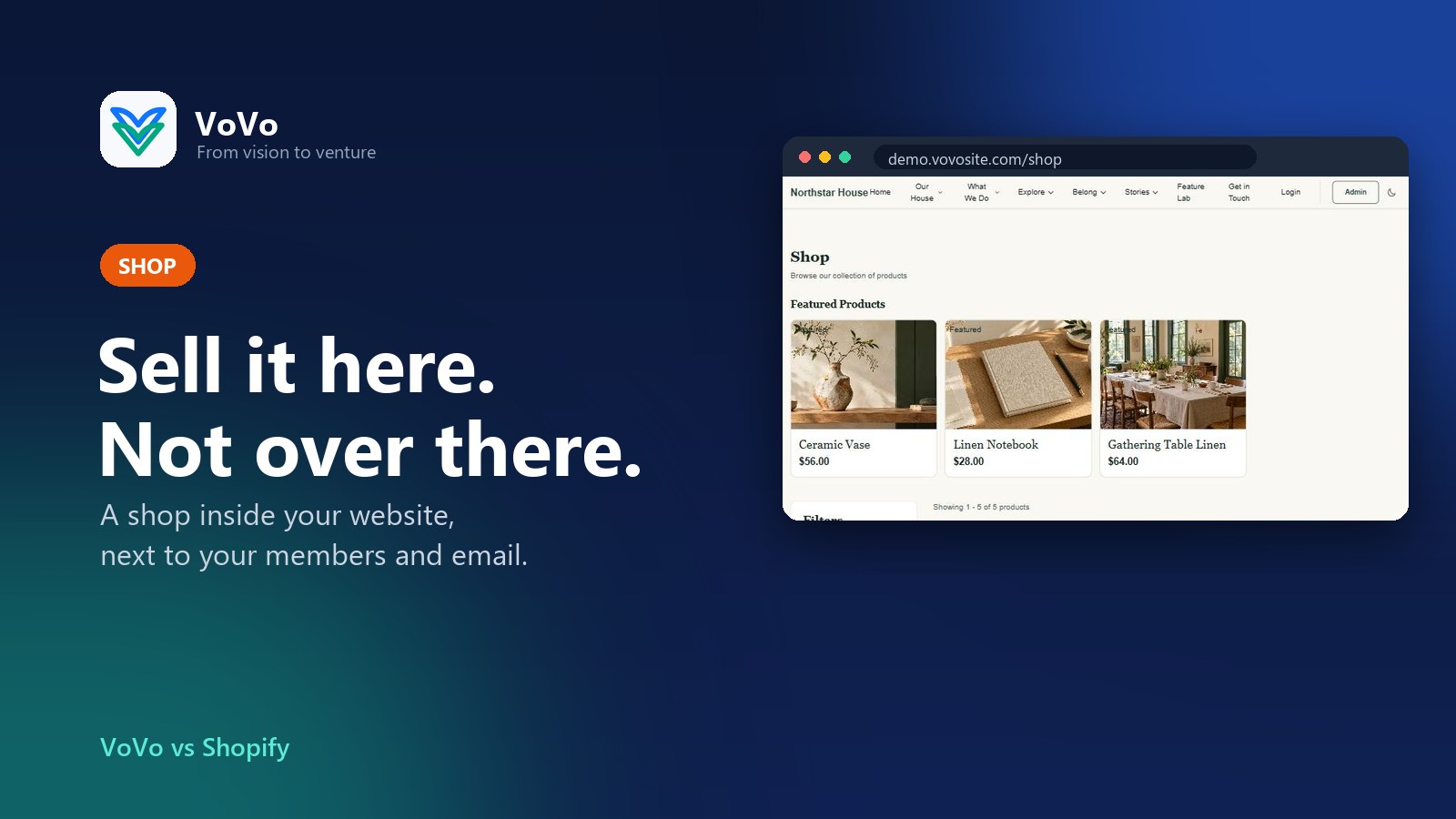
VoVo vs Shopify: Sell It Here, Not Over There
Shopify is great at shops. VoVo puts the shop inside your website, next to your members, courses, events and email, so your customers are not split across five apps. Here is how they compare.
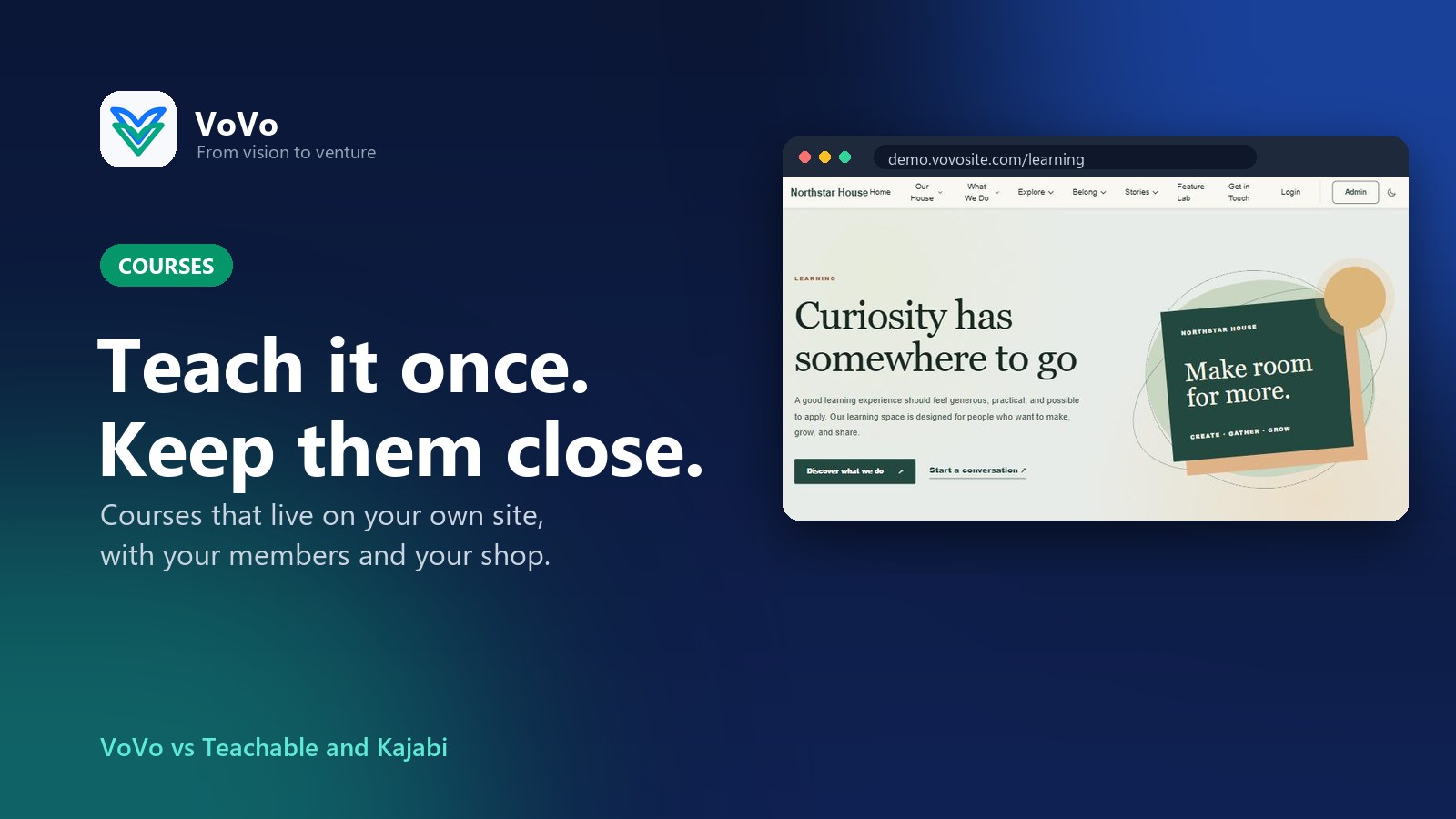
VoVo vs Teachable and Kajabi: Teach It Once, Keep Them Close
Teachable and Kajabi help you sell courses. VoVo lets you sell courses on your own website, next to your members, shop, events and community, so your students never wander off to another platform.
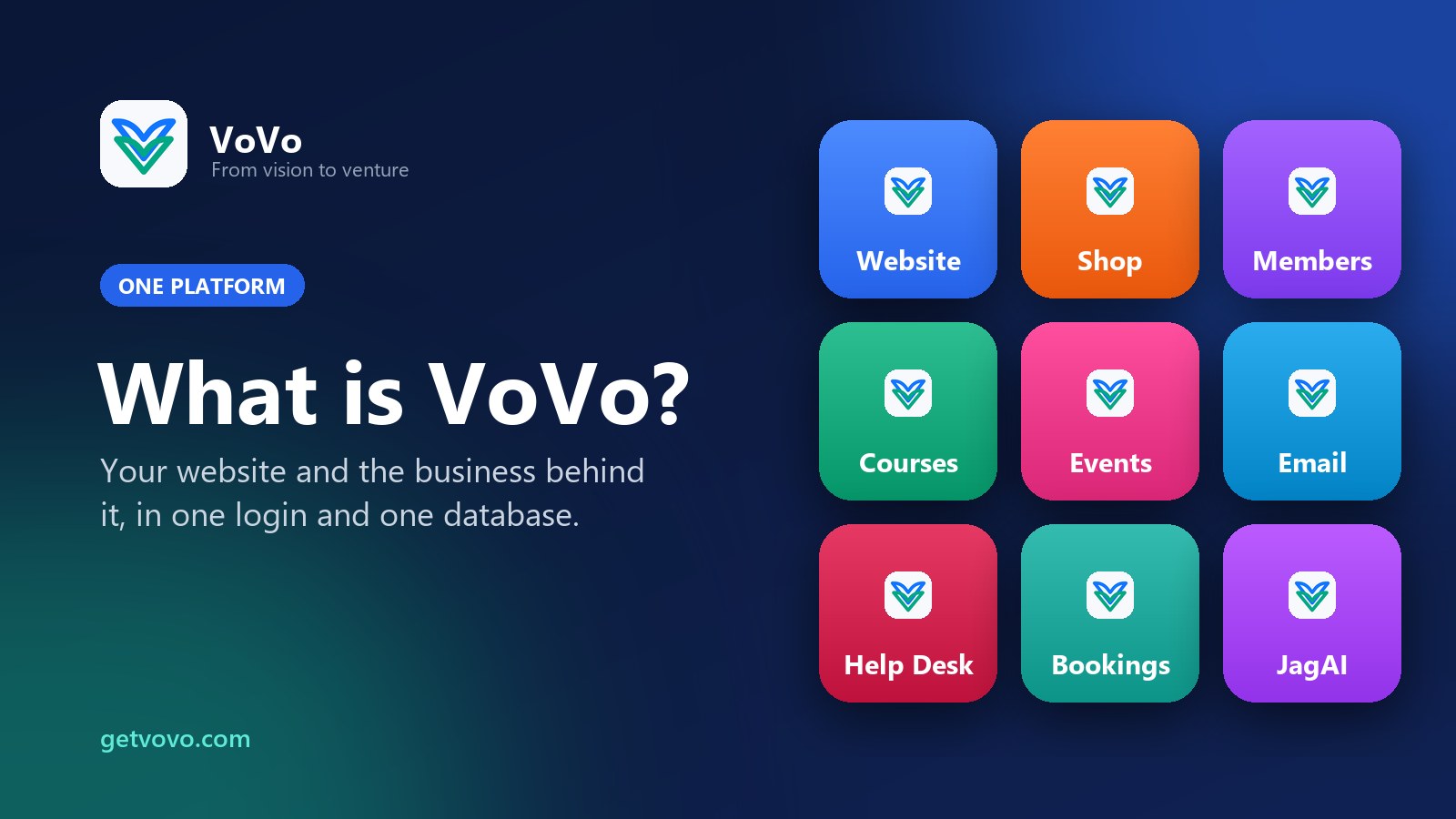
What Is VoVo, and Why We Built It
VoVo is one platform for your website and the business behind it. Here is what it is, who it is for, and why we built it instead of adding a sixteenth tool to your pile.
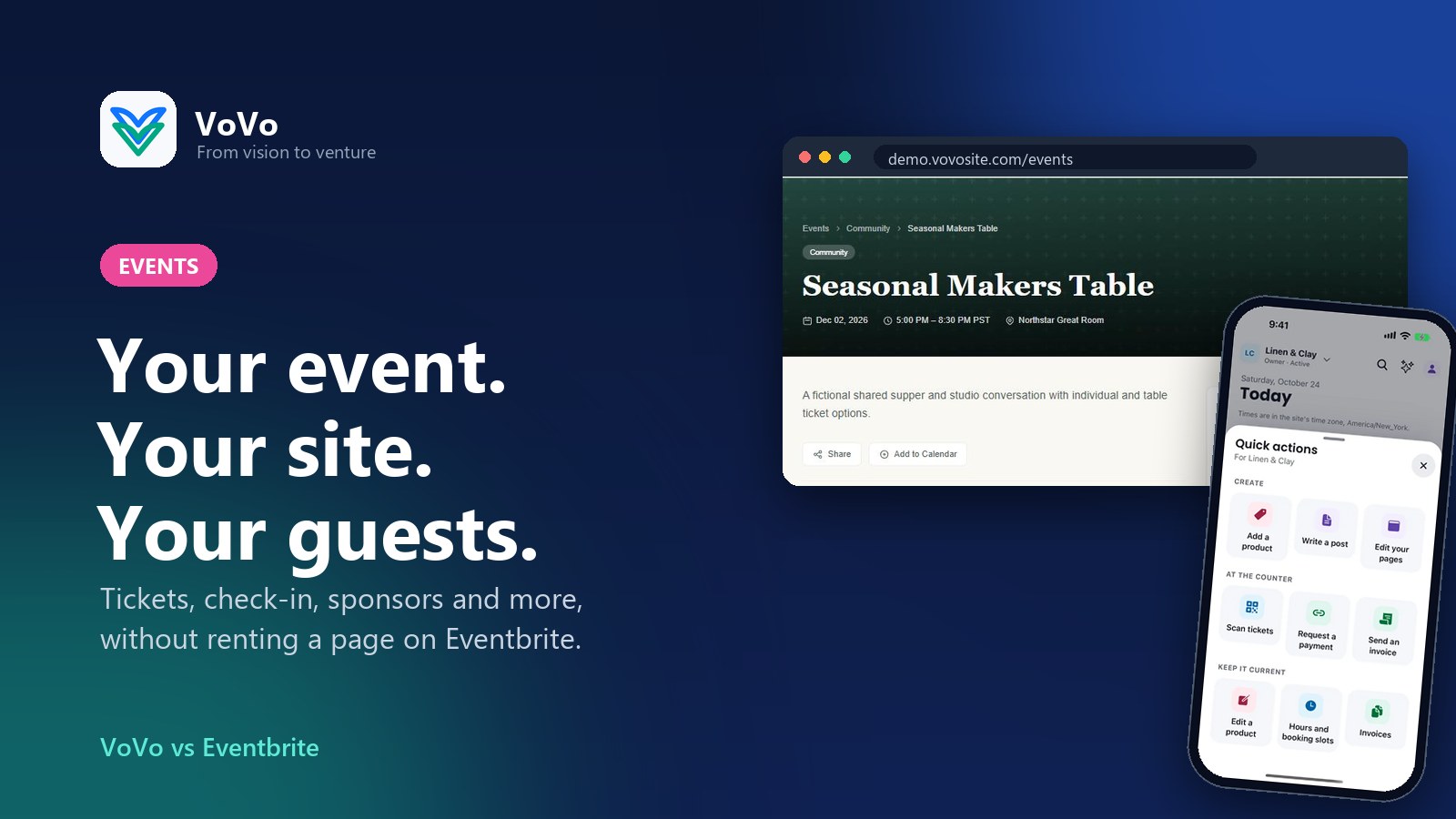
VoVo vs Eventbrite: Throw the Party on Your Own Website
Eventbrite gives your event a page on its website. VoVo hands you the keys to the whole venue: tickets, check-in, seating, sponsors and surveys, all on your own website and all in one account.
Comments (0)
Sign in or sign up to comment.
No comments yet. Be the first to share your thoughts!